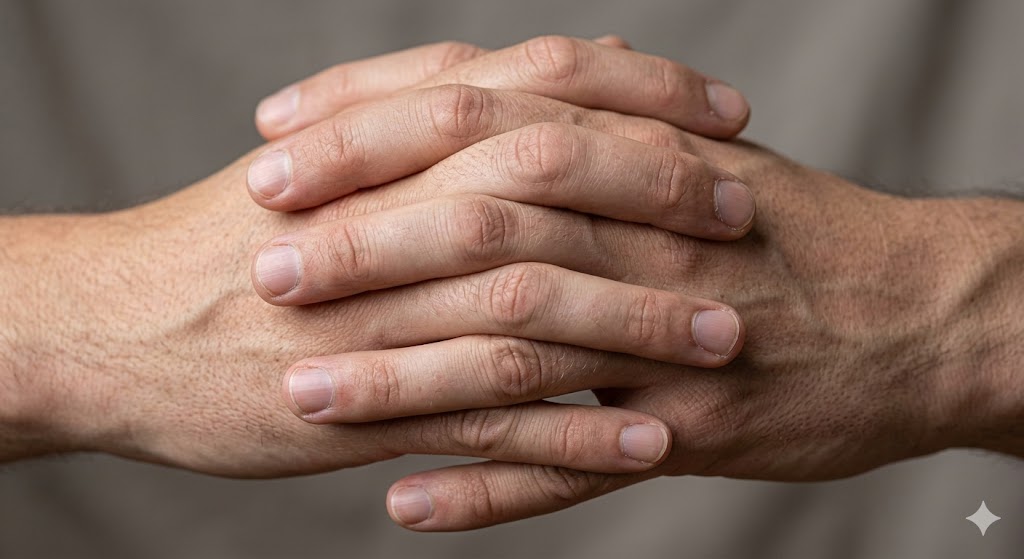
If the model persists in error, professional workflows recommend 'concealing' the fail by prompting for 'hands partially in pockets' or 'hands resting naturally by the side'.[12] For advanced users, the best fix is post-generation inpainting: mask the hand, set the denoise strength to 0.3-0.4, and use a background-matching paintbrush before rerunning the model to 'deshittify' the limb.[13] This blog covers the technical tokenization of visual space and the specific negative reinforcement chains needed for Midjourney v7 and Stable Diffusion.[9, 14]
Technical Mastery
A Guide to Fixing AI Hands and Extra Fingers
This guide covers tips and tricks on how to fix common issues with AI-generated hands and extra fingers.
Read Next
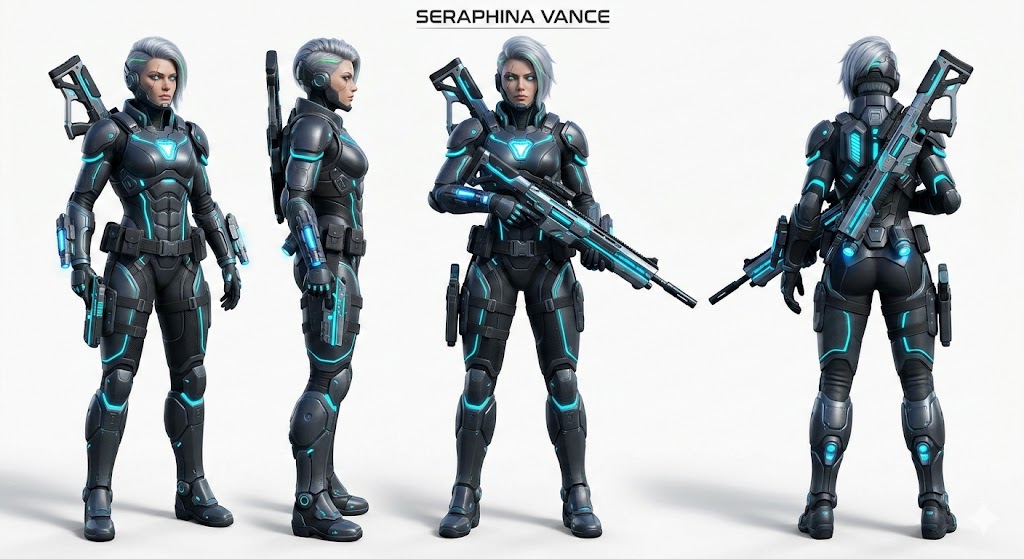
Technical Mastery
The Persistence of Identity: Character Consistency in Midjourney v7
Learn how to keep your characters looking identical across every scene using the revolutionary cref and oref parameters.
SEE DETAILS
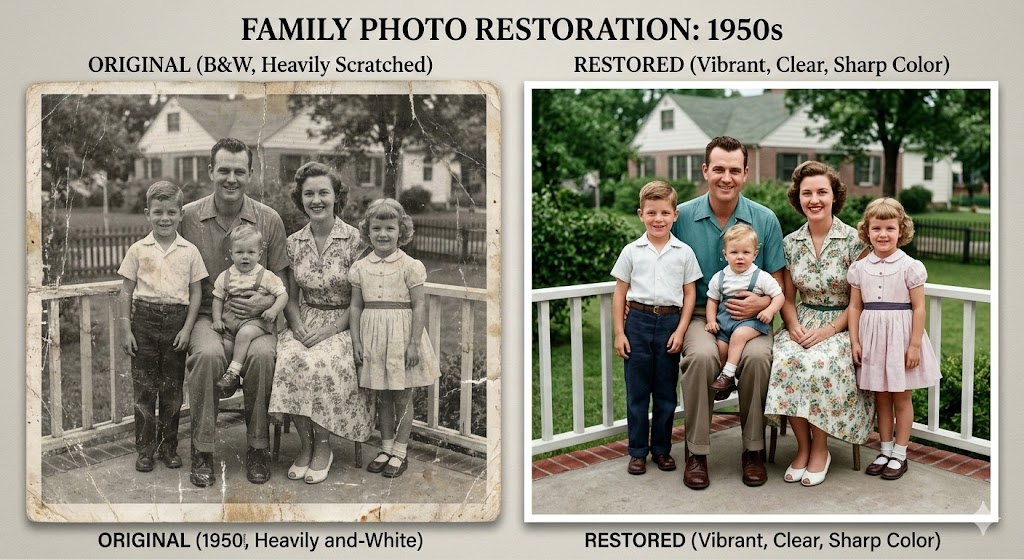
Portrait & Restoration
AI Photo Restoration: Breathing Life into Scanned Family Memories
Turn faded, scratched vintage photos into 4K colorized assets. Master the prompts for denoising and authentic colorization.
SEE DETAILS
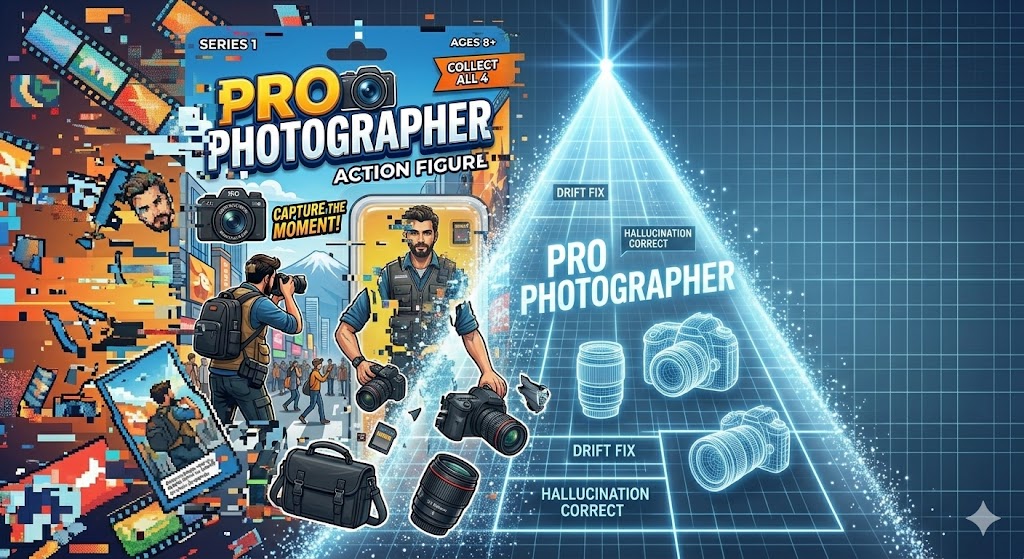
Advanced Editing
Troubleshooting Prompt Drift: Why Your AI Isn’t Listening
Is your AI ignoring you or hallucinating? Learn how to fix 'Prompt Drift' and regain control over your visual results.
SEE DETAILS